Labs and rooms

See the labs before you travel.

Three working labs sit in the building: fabrication, electronics and a digital lab. The lists below name the equipment on the floor, so you can tell whether a visit matches the thing you want to make. Ask the team to confirm a machine is free before you plan a day around it.

The labs

Equipment you can plan a visit around.

These are the tools photographed in each lab. They are shared, and a class or a booked project can take a machine off the floor for the day.

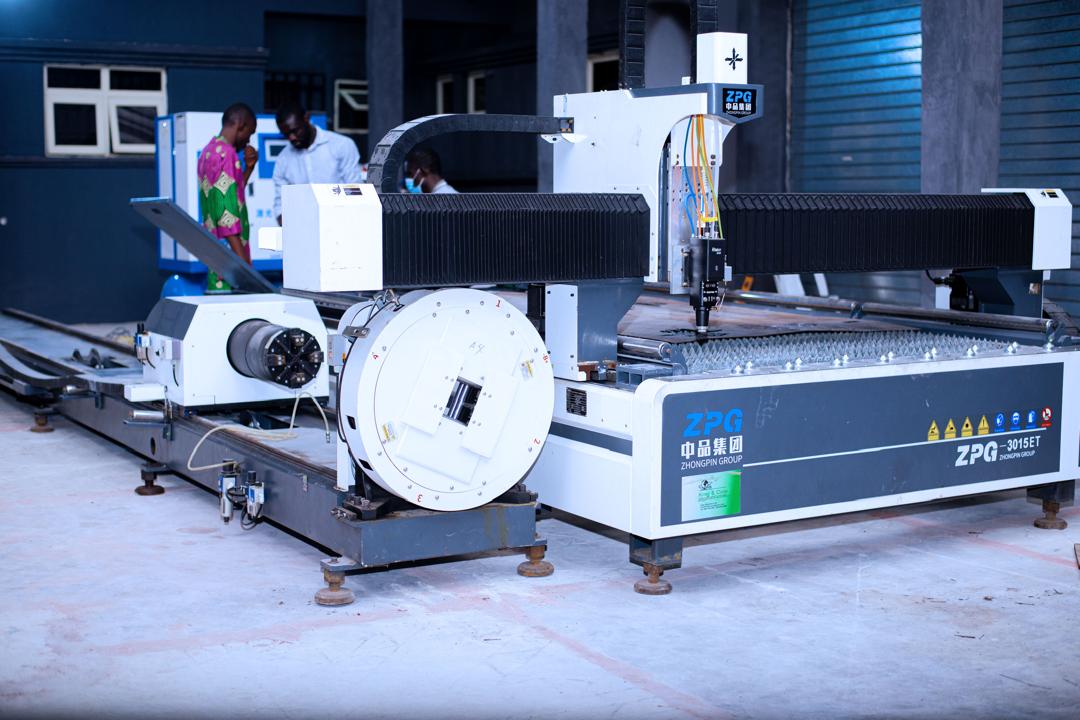
ZPG CNC router with a rotary chuck on the fabrication floor
Fabrication lab

Lab 01 · Fabrication

Fabrication lab

This is the room for parts that have to leave the screen and become something you can hold. Bring a drawing, or use the digital lab first to make one.

On the floor

  • Zhongpin ZPG-3015ET CNC router for sheet material
  • Operator console beside the machine
  • Rotary chuck on the same bed, for round stock
  • Fixture bed for holding a sheet while it is cut
Lab 02 · Electronics

Electronics lab

Benches for a circuit, a sensor board or a small hardware prototype. Use this lab when the next step is to power something up and see if it behaves.

On the floor

  • UNI-T digital oscilloscope
  • DC bench power supply
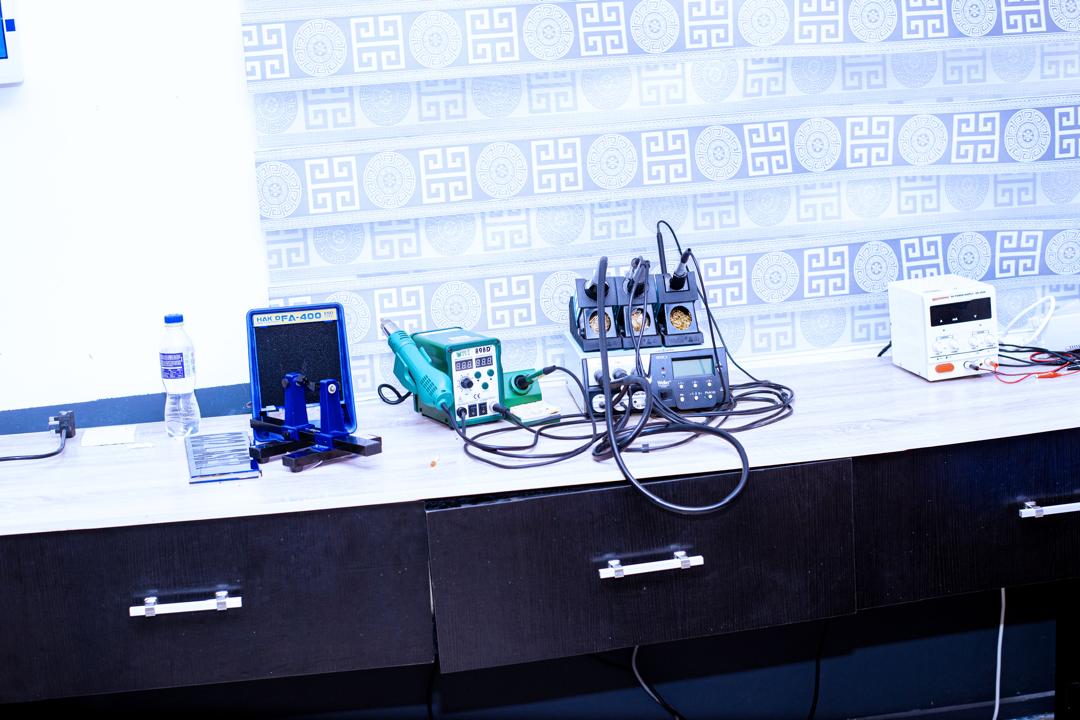
  • Soldering stations, including a multi-iron rework station
  • PCB holder for hands-free assembly
  • Loose components, wire and prototype boards for a first build
Soldering stations and a bench power supply on the electronics lab bench
Electronics lab
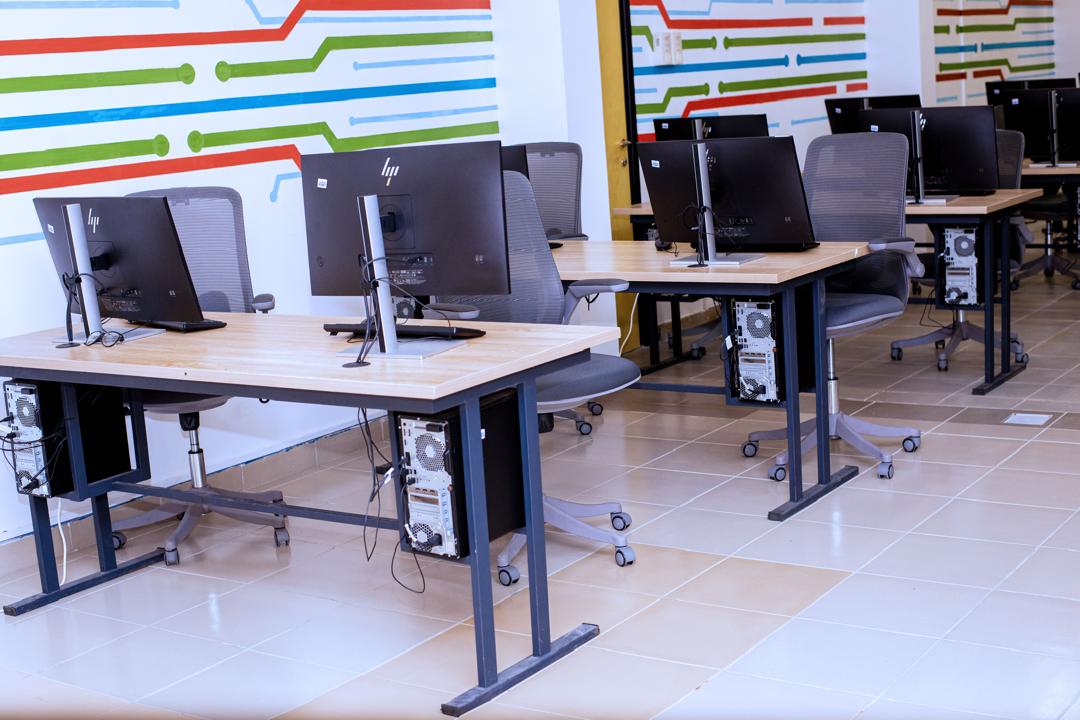
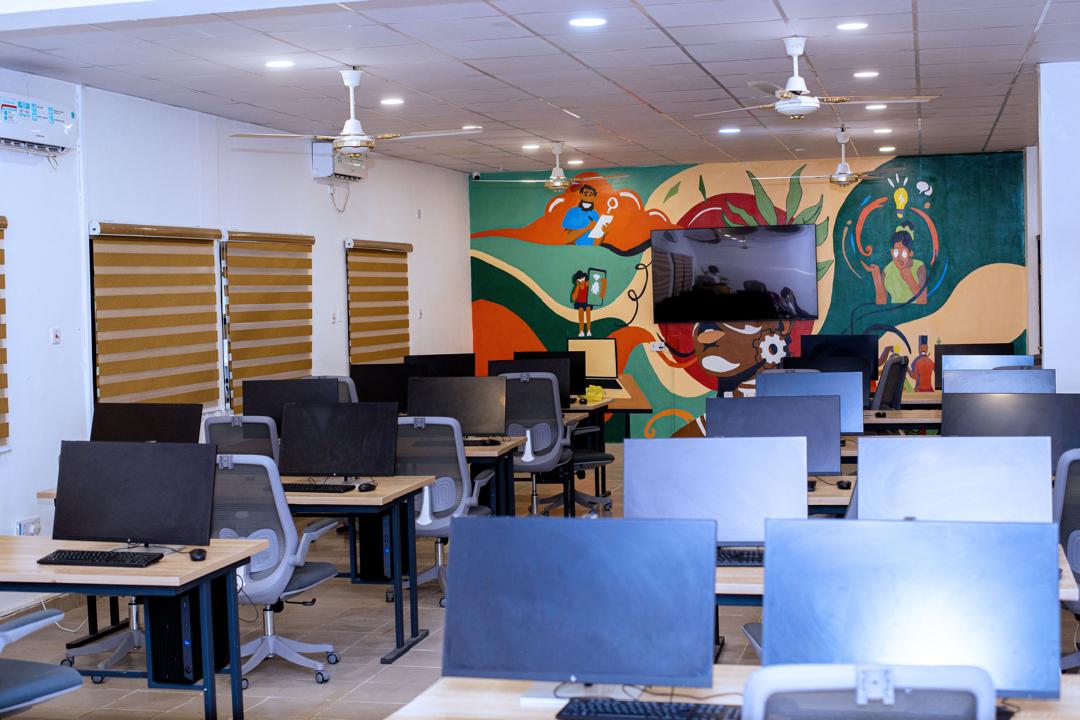
Rows of desktop computers in the digital lab
Digital lab

Lab 03 · Digital

Digital lab

Workstations for design, modelling and taught sessions, with a second run of machines for a smaller team that needs a longer sitting.

On the floor

  • Desktop workstations laid out in rows for a class
  • A second bench of machines for a small team
  • Desks set up so a drawing can be prepared before the fabrication lab

Alongside the labs

Teaching and pitch rooms

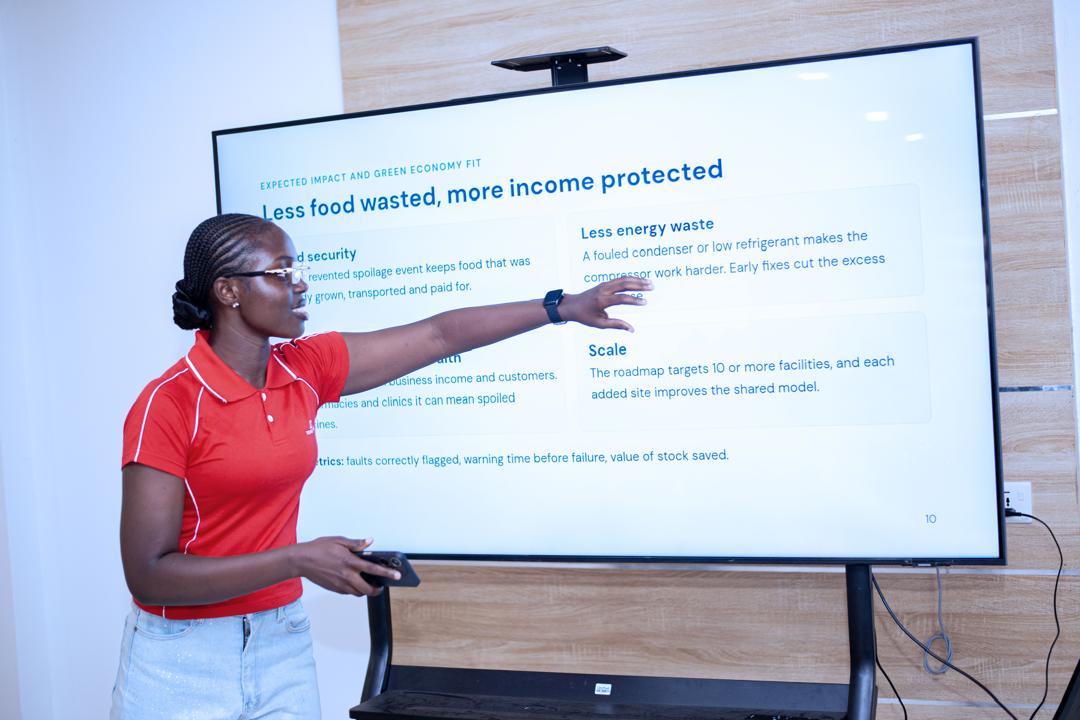
These rooms are where a lab result gets explained: a class, a critique, a hackathon demo or a briefing with a partner. Large screens and tables, not a machine shop.

  • Tell us the size of the group
  • Ask about screen sharing and seating
  • Combine a room booking with a short floor tour
A bright teaching room with screens and tables
Teaching room
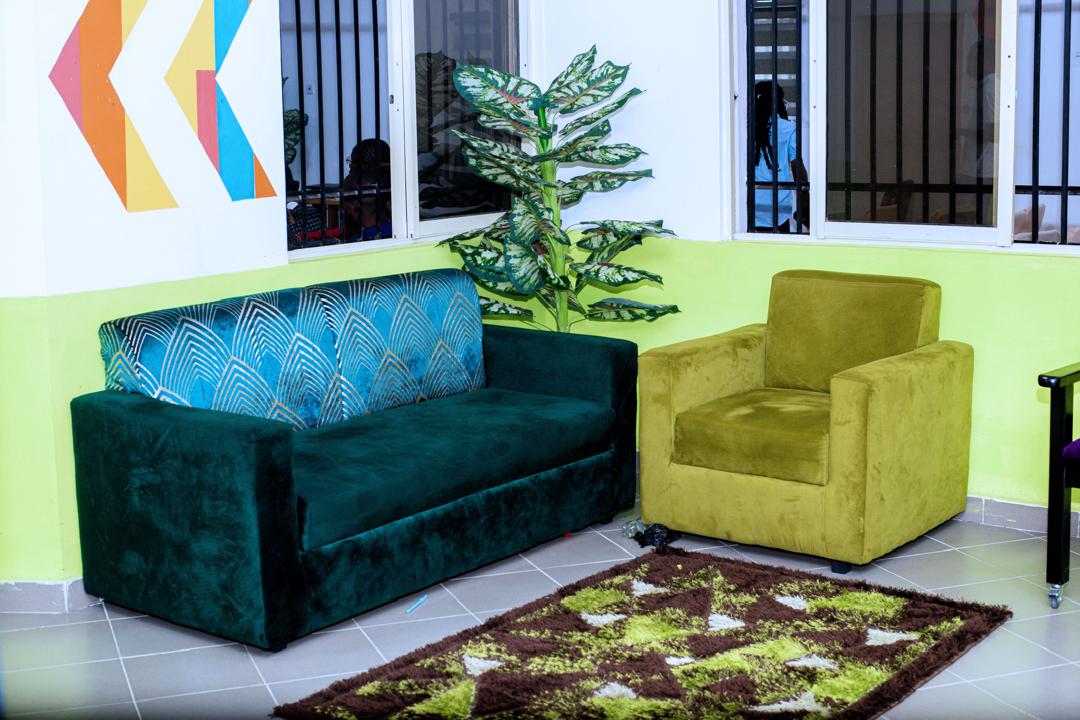
Green and yellow lounge chairs in a communal room
Community lounge

05

Community lounge

Soft seating and a quieter room for conversations that do not need a machine. Teams use it between sessions, and visitors use it while they wait.

06

Creative and media corner

Part of the building is set up for documentation and informal creative work, including lighting and a small music corner. Useful when a prototype needs to be shown, not only built.

  • Ask what can be booked for photography or recording
  • Keep production work clear of active classes
Studio lights on stands in a media corner
Lights for documentation

Name the lab and the tool.

In your enquiry, say which lab you need, which piece of equipment, the material, and the week you have in mind. The team will say whether that tool is free.

Ask about access
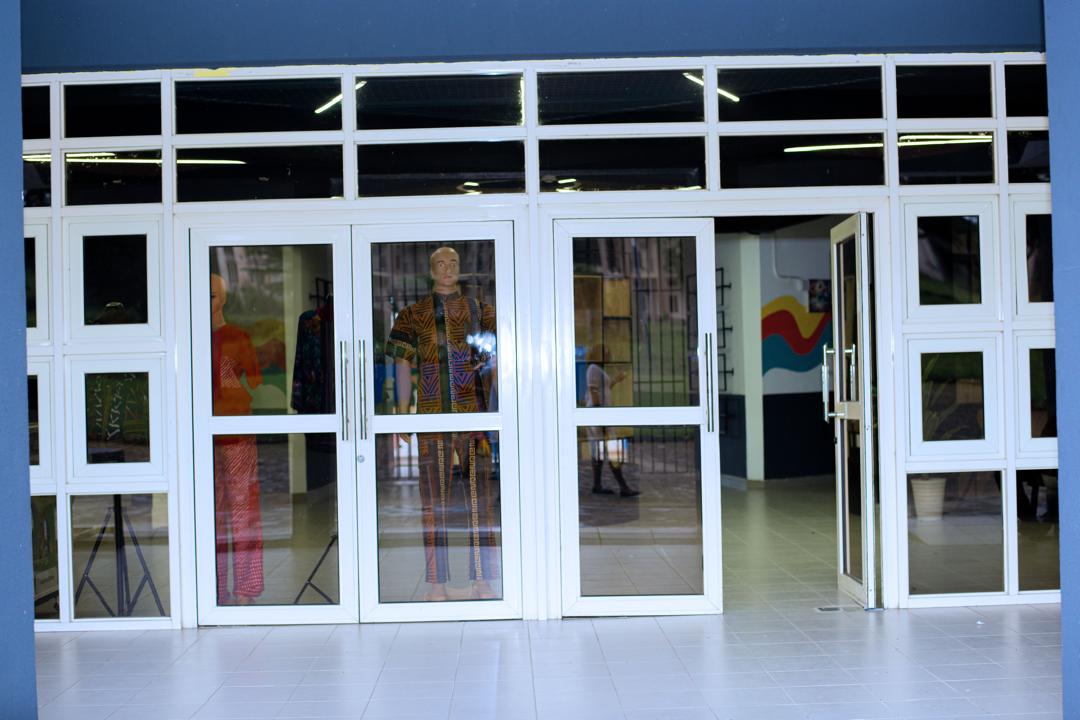
Glass entrance doors of the UniPod
Visits are by arrangement